
How do I install the SILAB mobile app and log in?
The SILAB app is free, on Android (Google Play Store) and iPhone (App Store). Once installed, log in with your email and password, or by scanning the authentication QR code from your profile.
-
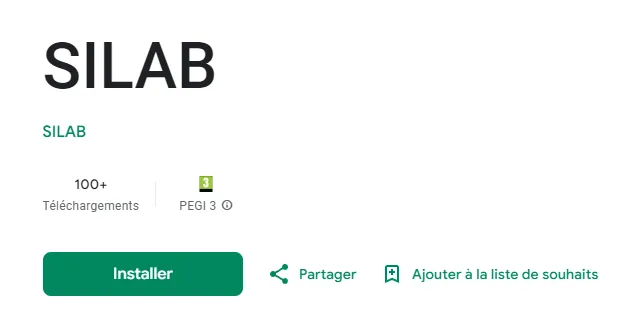
Download the app from the Google Play Store or the App Store, then open it.
-
Log in using one of two methods:
- Email and password: enter your credentials;
- QR code: scan the authentication QR code from your personal space.
Find your authentication QR code
Section titled “Find your authentication QR code”-
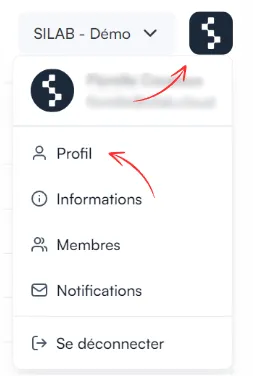
On the web portal, click the SILAB logo at the top right, then Profile.
-
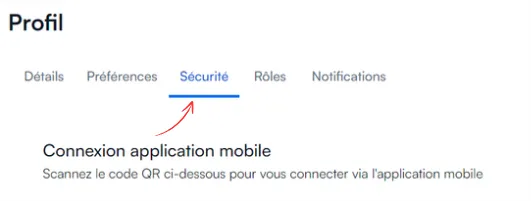
Open the Security tab to display your QR code.
-
In the app, tap Scan and centre the QR code. Try again if needed: once recognised, you land on one of your sites.