How do I enter data on the web portal?
From Data → Dashboard → Input, fill in the date and value of the data, then click Close to save it.
-
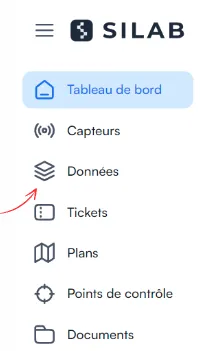
Open the Data section.
-
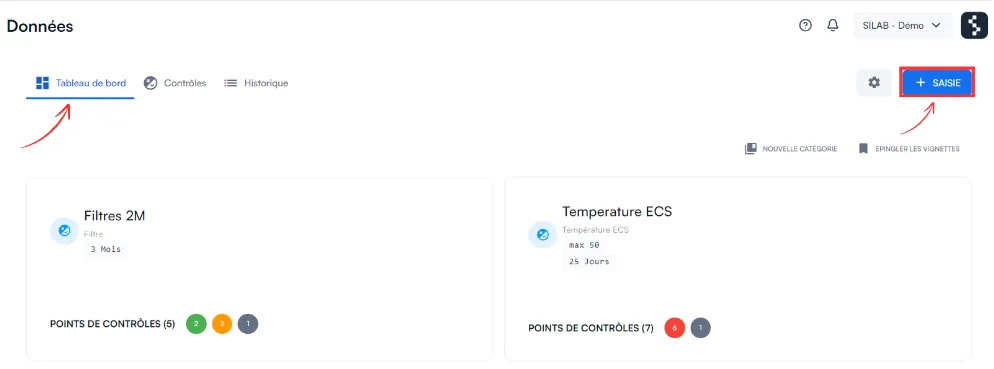
Select Dashboard, then click Input.
-
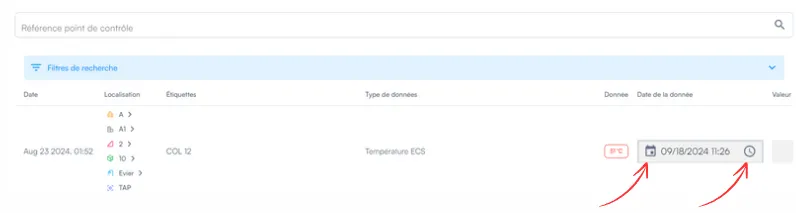
Fill in the date and value of the data.
-
Click Close so that your entry is saved.