
How do I assign a ticket to a user?
Open the ticket, click Add a user, choose the person, then save.
-
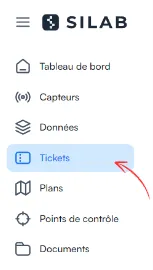
In Tickets, open the ticket.
-
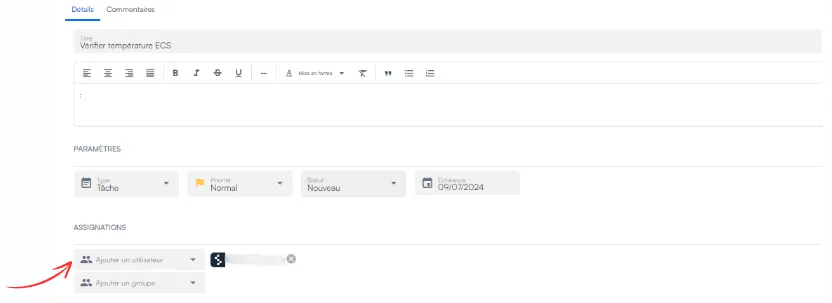
Click Add a user.
-
Select the person from the list.
-
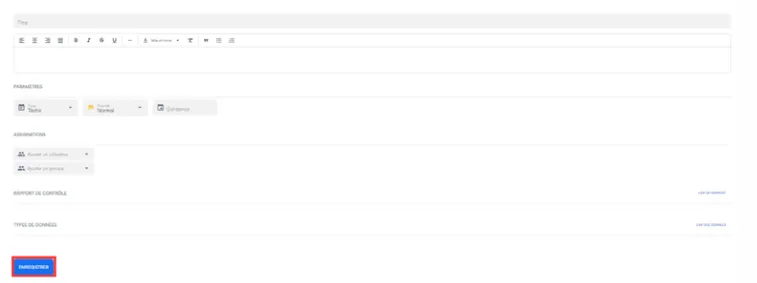
Click Save.
Answers from the official documentation
Hello 👋
Ask anything about the mobile app, the web portal, sensors or controls. I answer from the documentation and cite my sources.
Open the ticket, click Add a user, choose the person, then save.
In Tickets, open the ticket.
Click Add a user.
Select the person from the list.
Click Save.