
How do I delete a document?
Hover over the file, click the three dots, then Delete, and confirm.
-
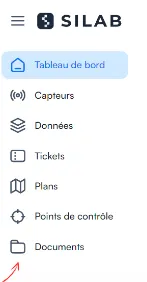
Open the Documents section.
-
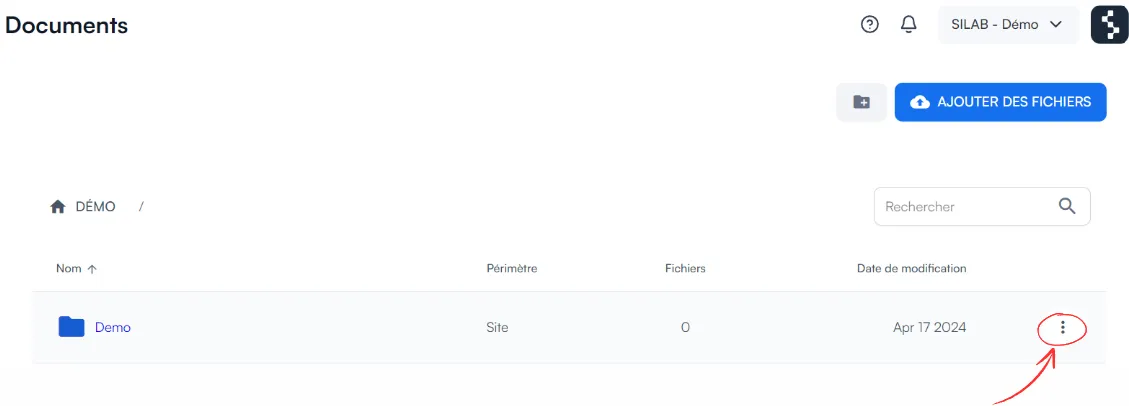
Hover over the file and click the three dots.
-
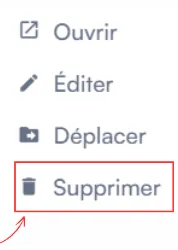
Select Delete.
-
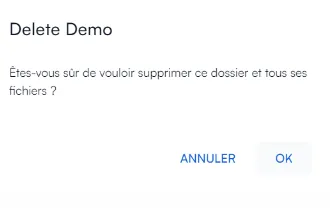
Confirm the deletion in the window that opens.
Answers from the official documentation
Hello 👋
Ask anything about the mobile app, the web portal, sensors or controls. I answer from the documentation and cite my sources.
Hover over the file, click the three dots, then Delete, and confirm.
Open the Documents section.
Hover over the file and click the three dots.
Select Delete.
Confirm the deletion in the window that opens.