
How do I display the next change date (filters, etc.)?
To know when to renew something (a filter, for example), turn on the next change date in the control’s filters.
-
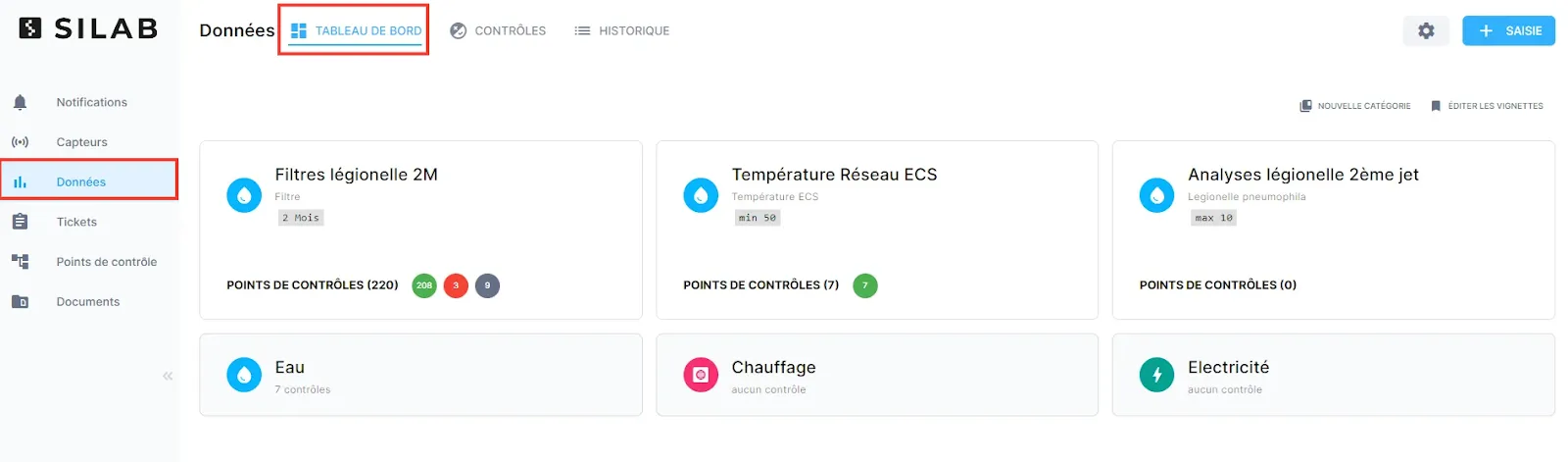
Open Data → Dashboard.
-
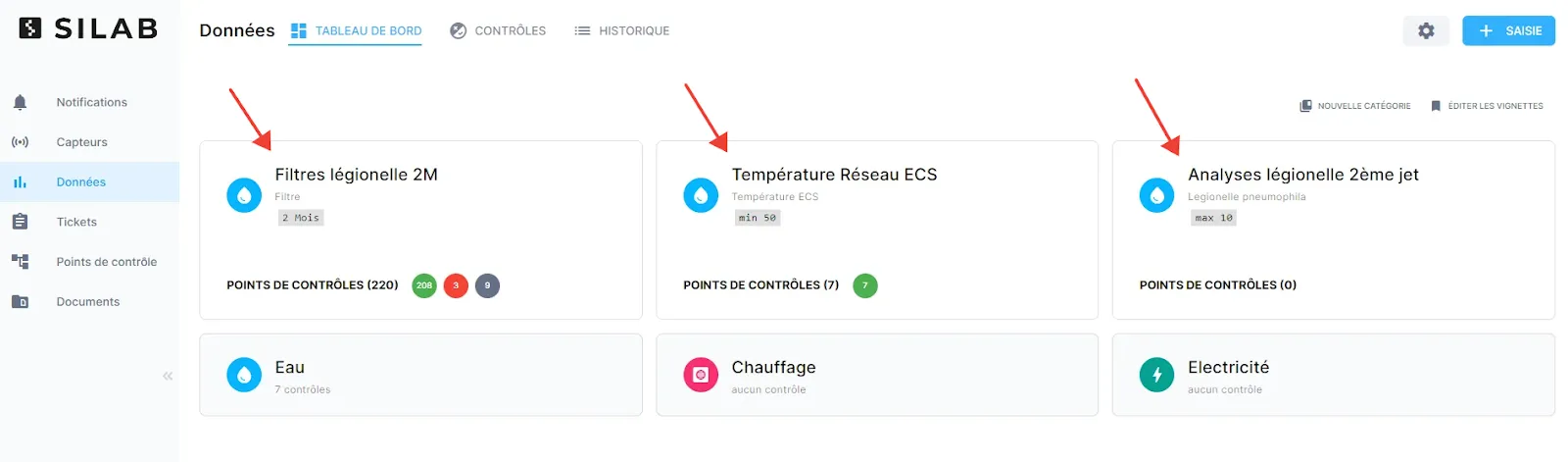
Select the control you want.
-
Click Filters, then turn on the next change date.
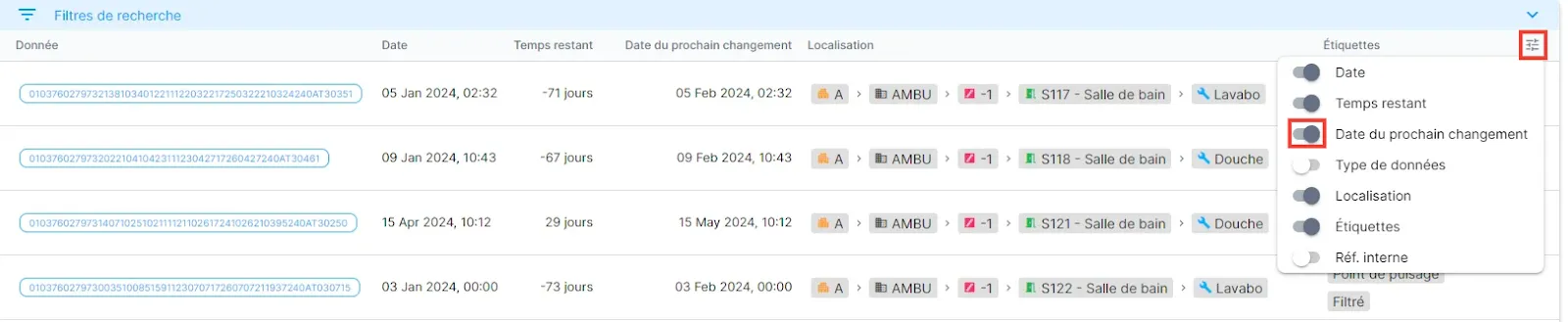
You can then see at a glance which equipment needs attention at the next visit.