How do I edit an existing control?
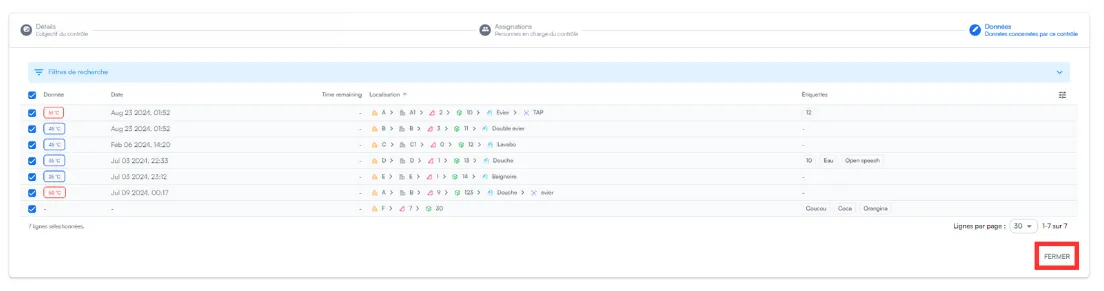
From Configure a control, click the control’s three dots, then Edit: you can review its details, its assignments and the monitored points.
-
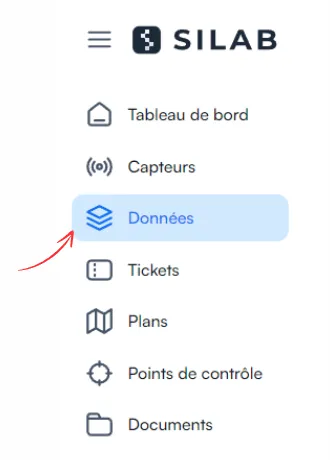
Open the Data section.
-
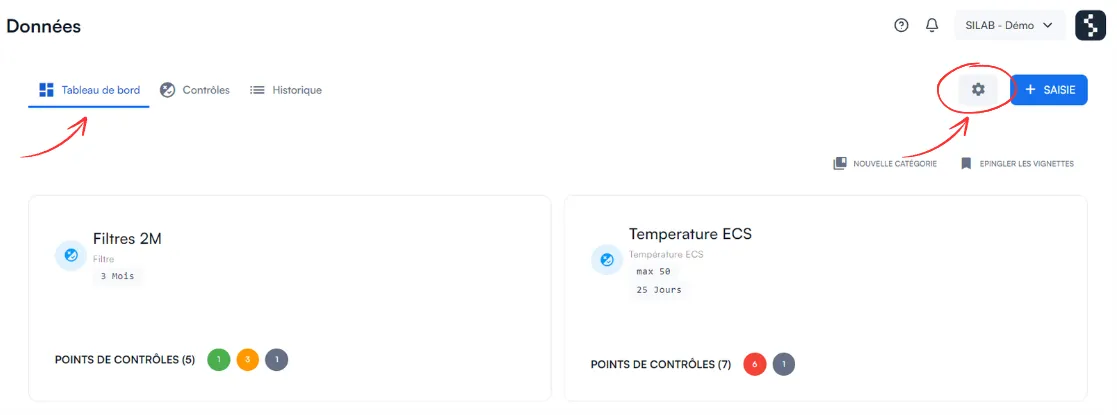
Click the gear icon at the top of the dashboard.
-
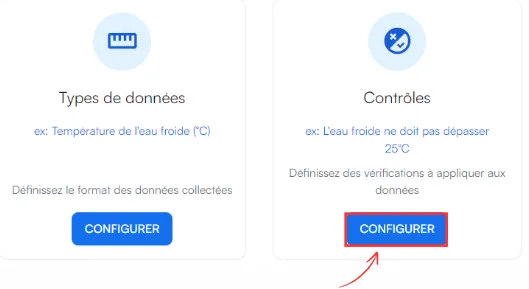
In the Control section, choose Configure a control.
-
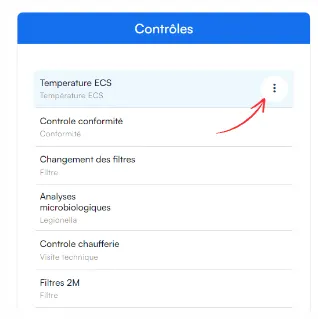
In the list, click the three dots to the right of the control…
-
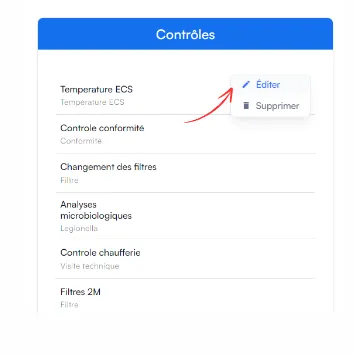
… then Edit.
-
Make your changes in each part (described below).
What you can change
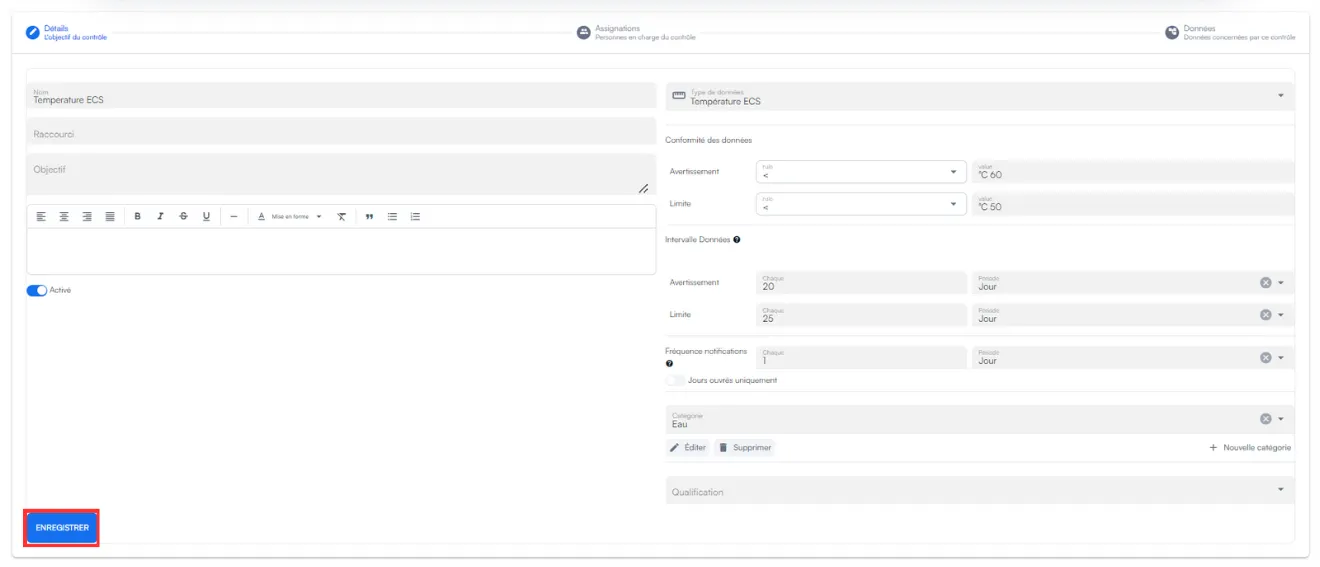
Section titled “What you can change”Control details: alert rules, data frequency and notification frequency. Remember to save.
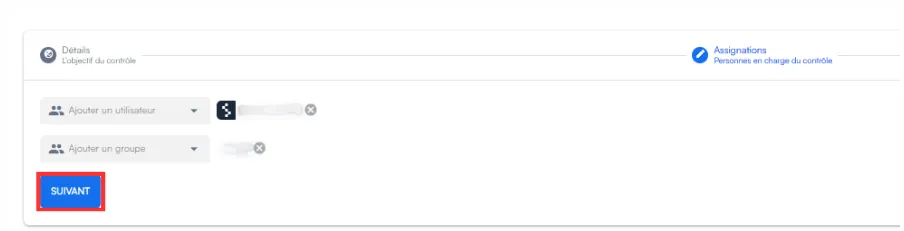
Assignments: the people or groups to alert.
Data: tick or untick the monitored checkpoints, then click Close.