
How do I export a sensor's history?
Open the sensor from Sensors → Dashboard. On its chart, Download gives you the data in Excel, and Print gives you a JPEG image.
-
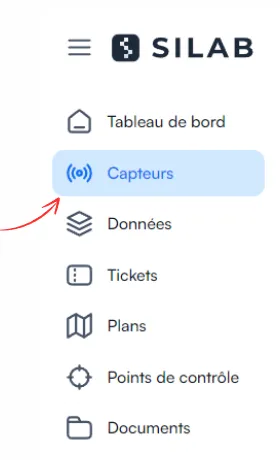
Open Sensors, then Dashboard.
-
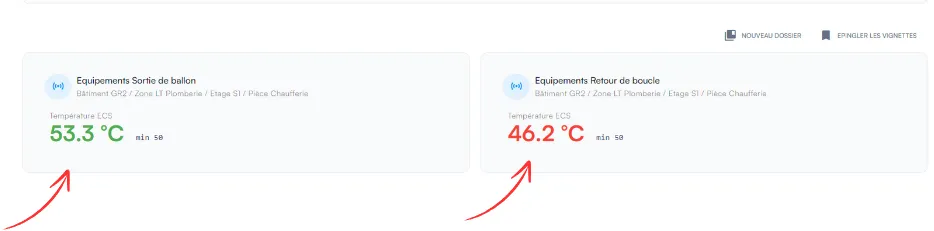
Click the sensor’s thumbnail.
-
On the sensor’s page, choose the format:
-
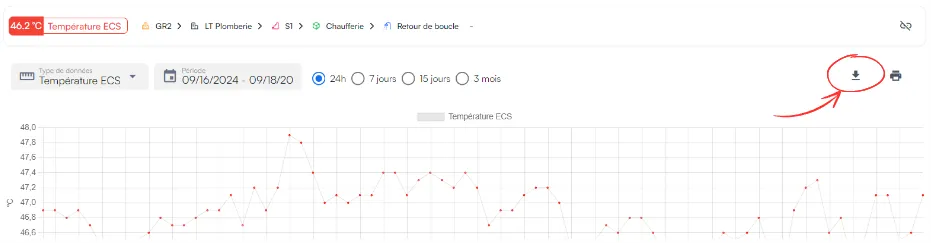
Excel: click Download, at the top right of the chart;
-
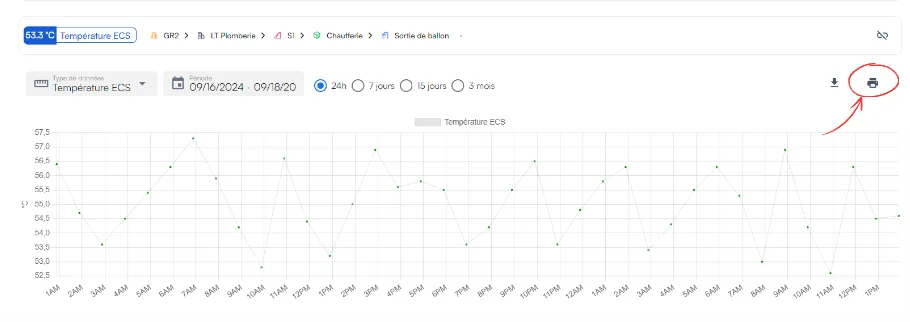
JPEG: click the Print icon, at the top right of the chart.
-