
How do I view and edit my profile information?
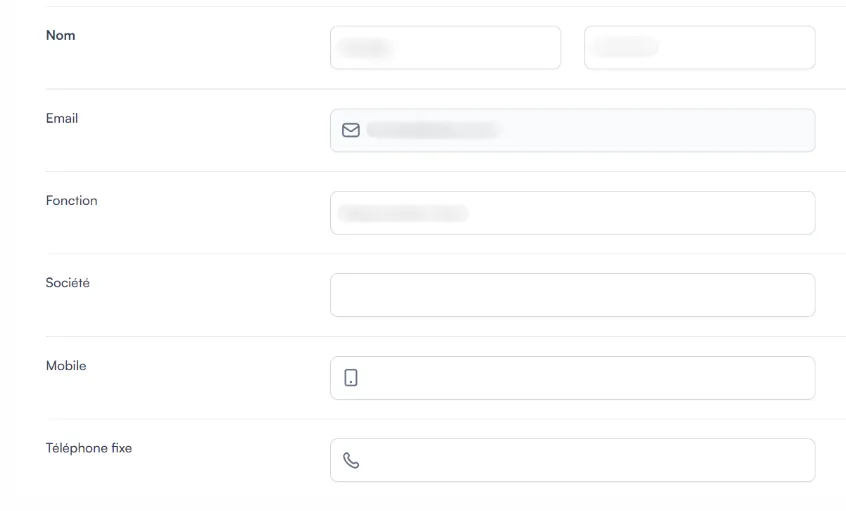
Your personal information is in Profile → Details: last name, first name, job title, company, email and phone number.
-
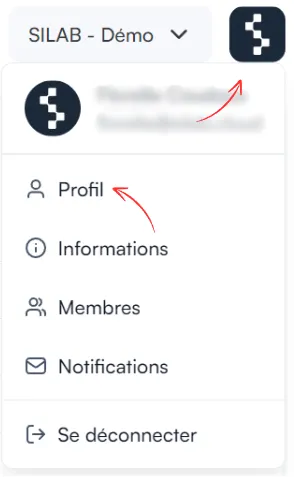
Click the SILAB logo at the top right, then Profile.
-
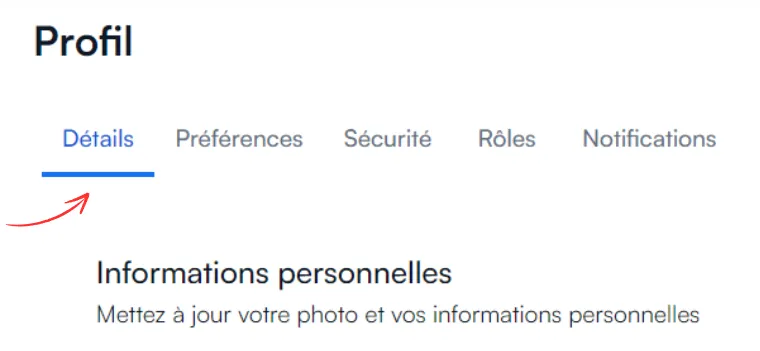
Open the Details tab.
-
If needed, edit your last name, first name, job title, company, email and phone number.
-
Click Save.