
How do I reset my SILAB password?
Open the Lost password page, enter your email, then follow the link you receive to choose a new password.
-
Open app.silab.cloud/auth/lost-password and enter your email address.
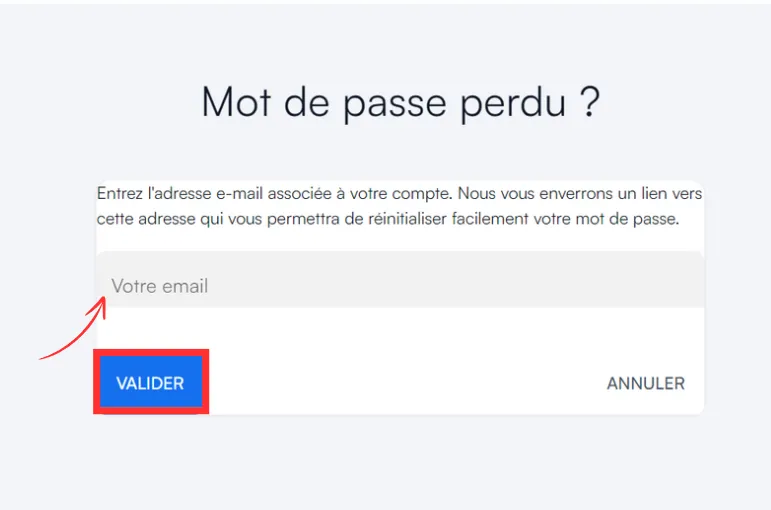
-
If your account is activated, you receive a password reset email.
-
In the email, click Reset password: the reset page opens.
-
Enter your new password, then confirm it in the second field. It must follow these rules:
Rule Requirement Length 8 characters minimum Uppercase letter at least 1 Lowercase letter at least 1 Special character at least 1 -
Click Send: a window confirms the change.
-
Click Log in to access your account.