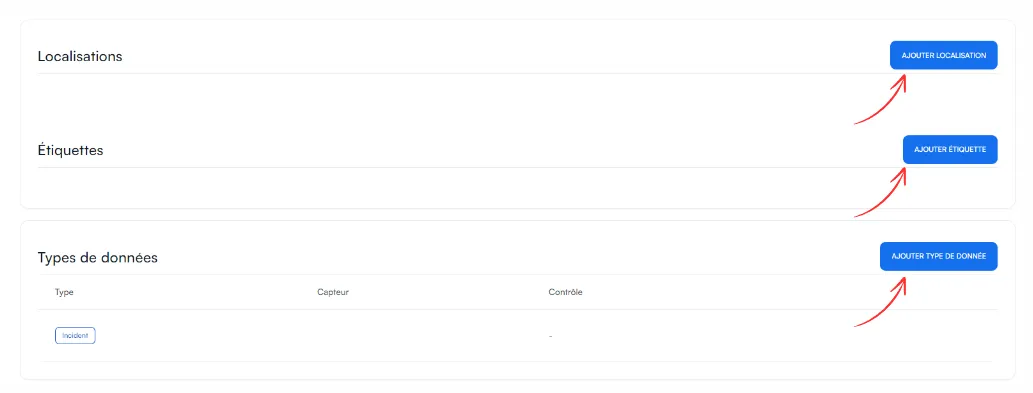
How do I add a checkpoint manually?
To add a piece of equipment without using Excel, click Add a checkpoint, then fill in its location, its labels and the data type to check.
-
In the left-hand menu, click Checkpoints.
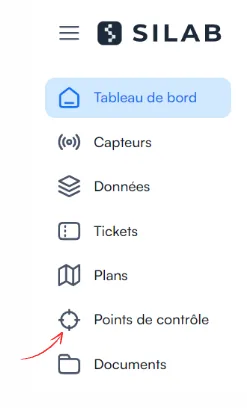
-
Click Add a checkpoint, at the top right.
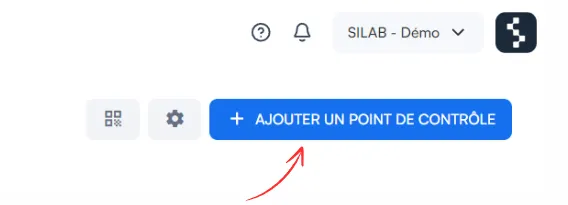
-
(Optional) Enter your facility’s own internal code, then click Next.
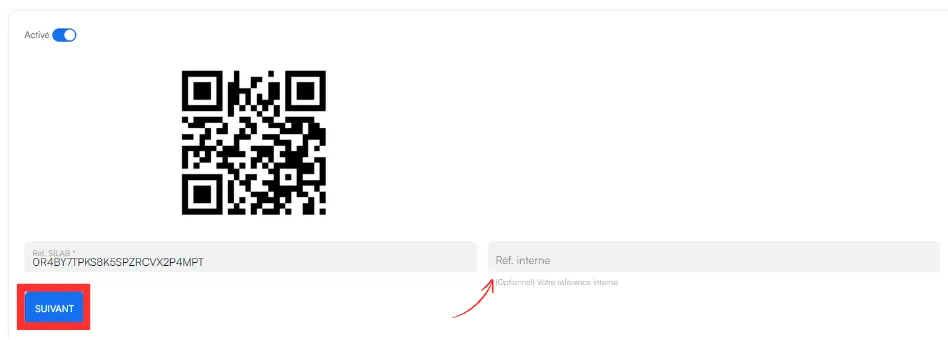
-
Complete the checkpoint:
- Add location: where the equipment is;
- Labels: its characteristics (nature, reference, type of equipment…);
- Data type: the data to track, whether it comes from a sensor, and the control to perform.