
How do I change my SILAB password?
From Profile → Security, enter your current password, then the new one, and click Update password.
-
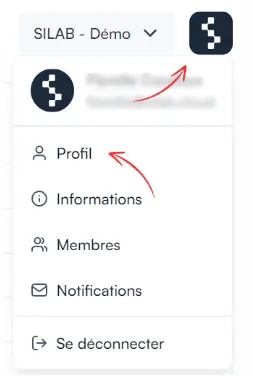
Log in, click the SILAB logo at the top right, then Profile.
-
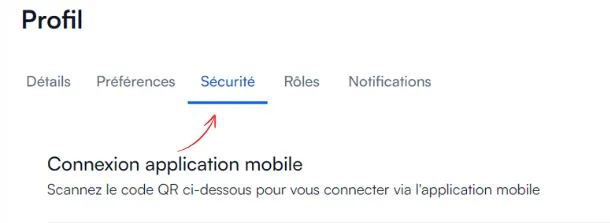
Open the Security tab and scroll down to the password change section.
-
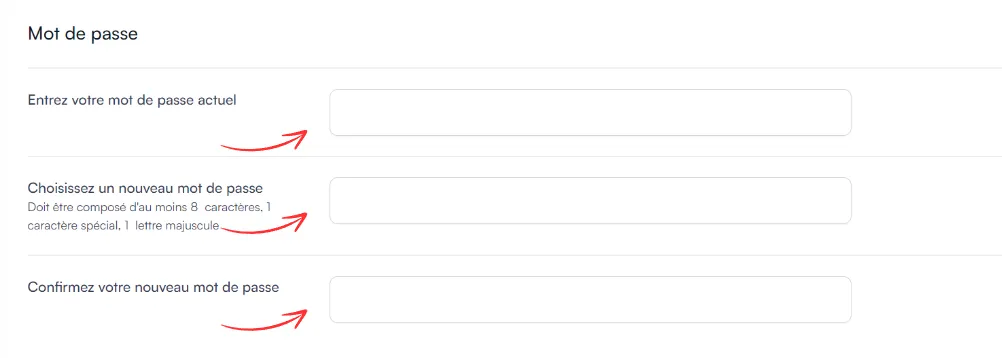
Enter your current password, then your new password and its confirmation.
-
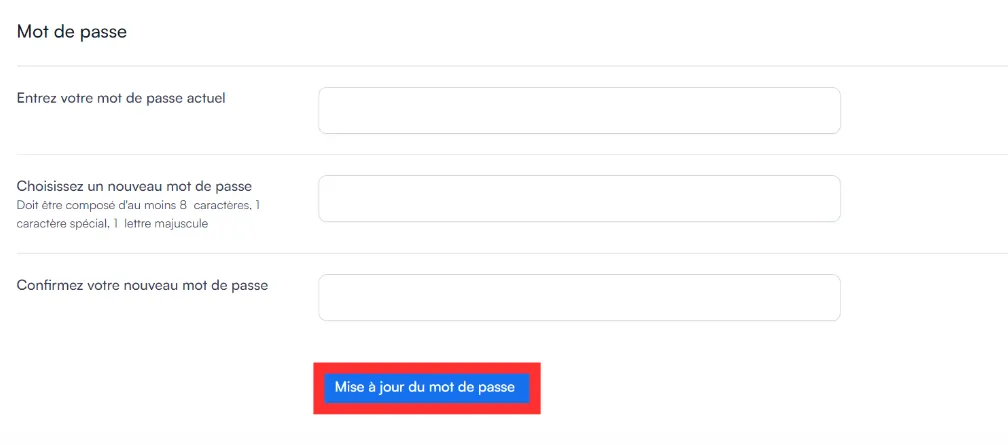
Click Update password.
The new password must follow the same rules as when the account was created:
| Rule | Requirement |
|---|---|
| Length | 8 characters minimum |
| Uppercase letter | at least 1 |
| Lowercase letter | at least 1 |
| Special character | at least 1 |