How do I add documents to SILAB?
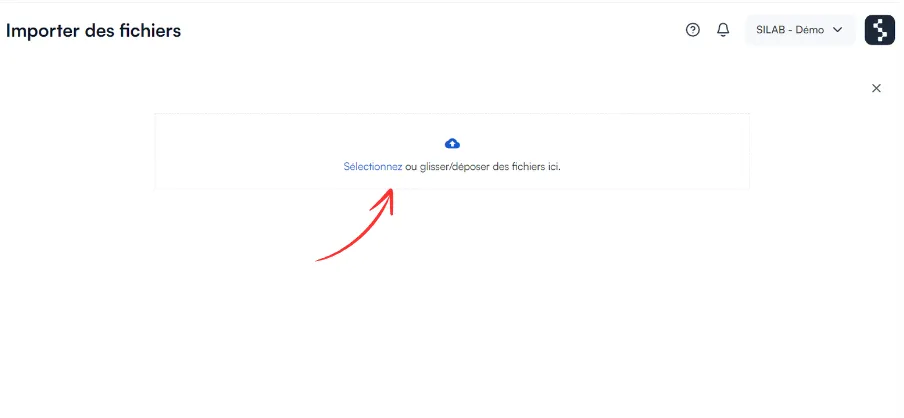
In Documents, open the folder you want and click Add files. You can import several at once.
-
Open the Documents section.

-
Go to the folder you want, then click Add files.

-
Import one or more documents.
-
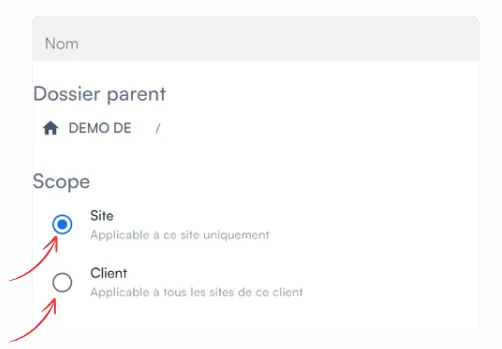
(Optional) In Scope, make the folder visible on several sites of the same client: a file you add is then available everywhere, without duplicating it.
-
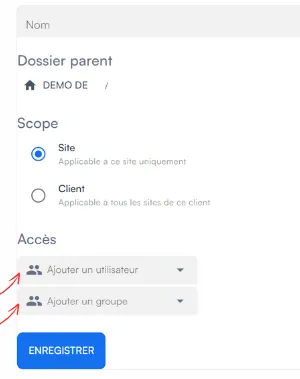
Add the users or groups who can access the folder, then save.