
How do I record data from the mobile app?
Once the equipment is identified, choose the data, enter its value (or scan it) and tap to confirm.
-
Select the data to record from the drop-down list.
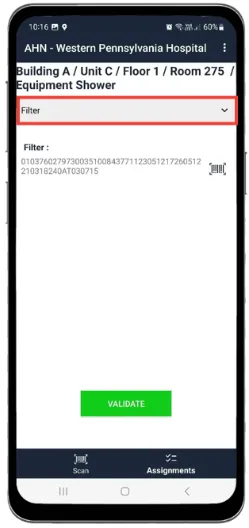
-
Tap the field to enter the value or text.
For an alphanumeric value, use the Scan feature: point the camera at the QR code and the value is filled in automatically.
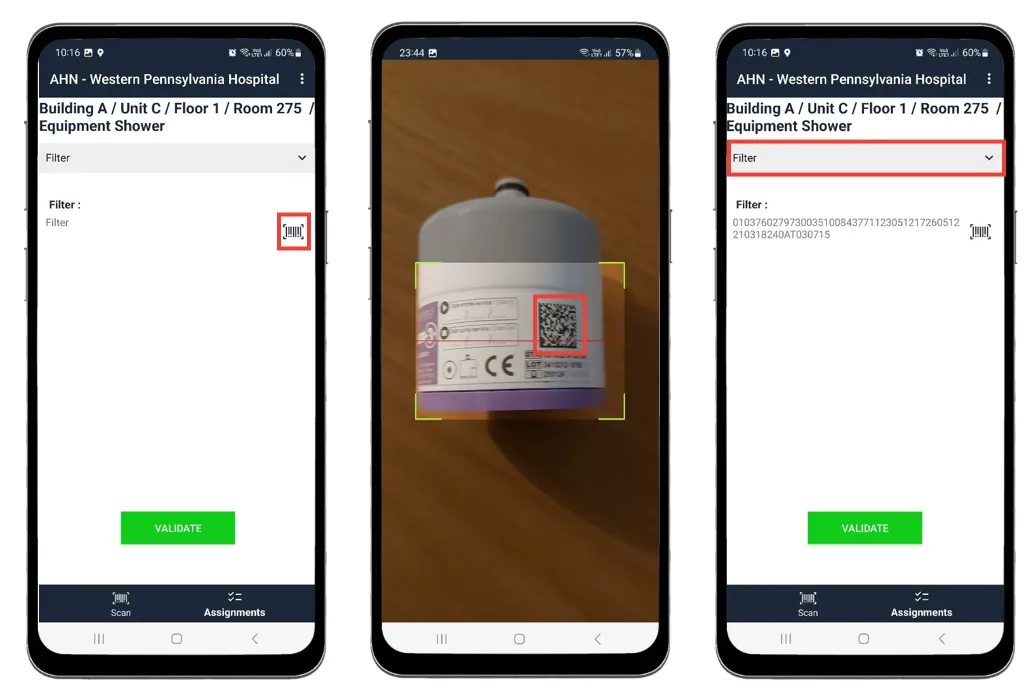
-
Tap to confirm.