How do I access a site account in SILAB?
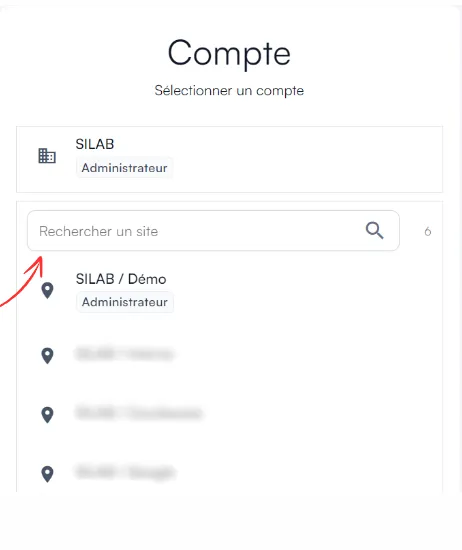
After you log in, SILAB displays all the sites you have access to. Type the site’s name in the search bar and select it.
-
Log in to app.silab.cloud with your credentials.

-
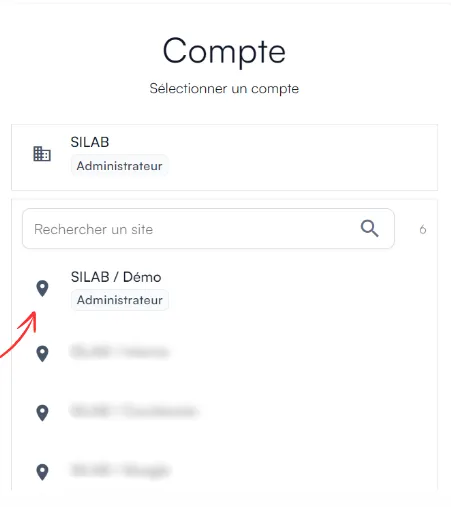
The list of your sites is displayed.
-
Type the site’s name in the search bar, then select it.