
How do I change my profile picture?
From Profile → Details, change or delete your picture, then save.
-
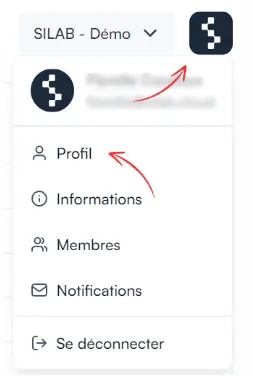
Click the SILAB logo at the top right, then Profile.
-
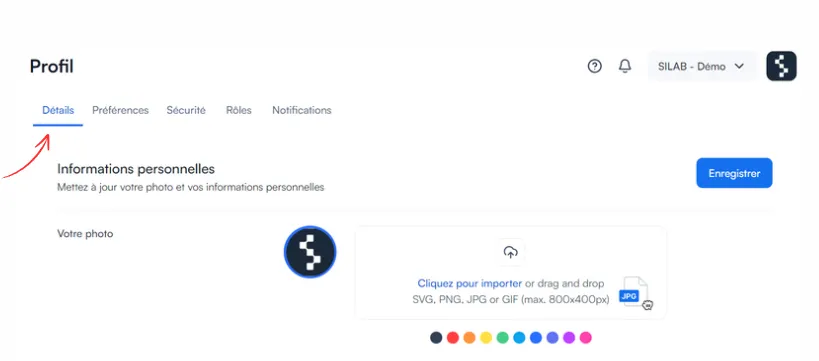
Open the Details tab.
-
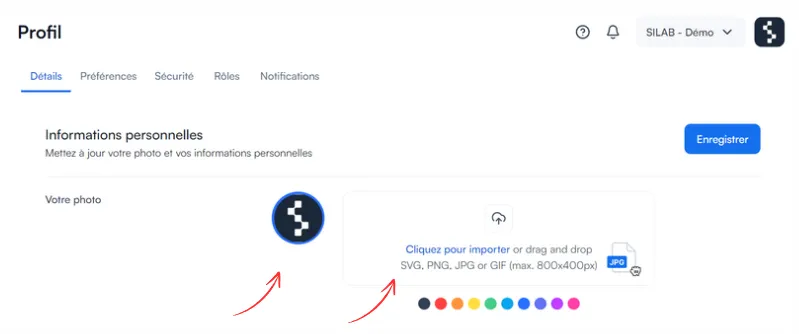
Choose to change or delete your picture, and upload the new one if needed.
-
Save your changes.