How do I view a sensor's measurements?
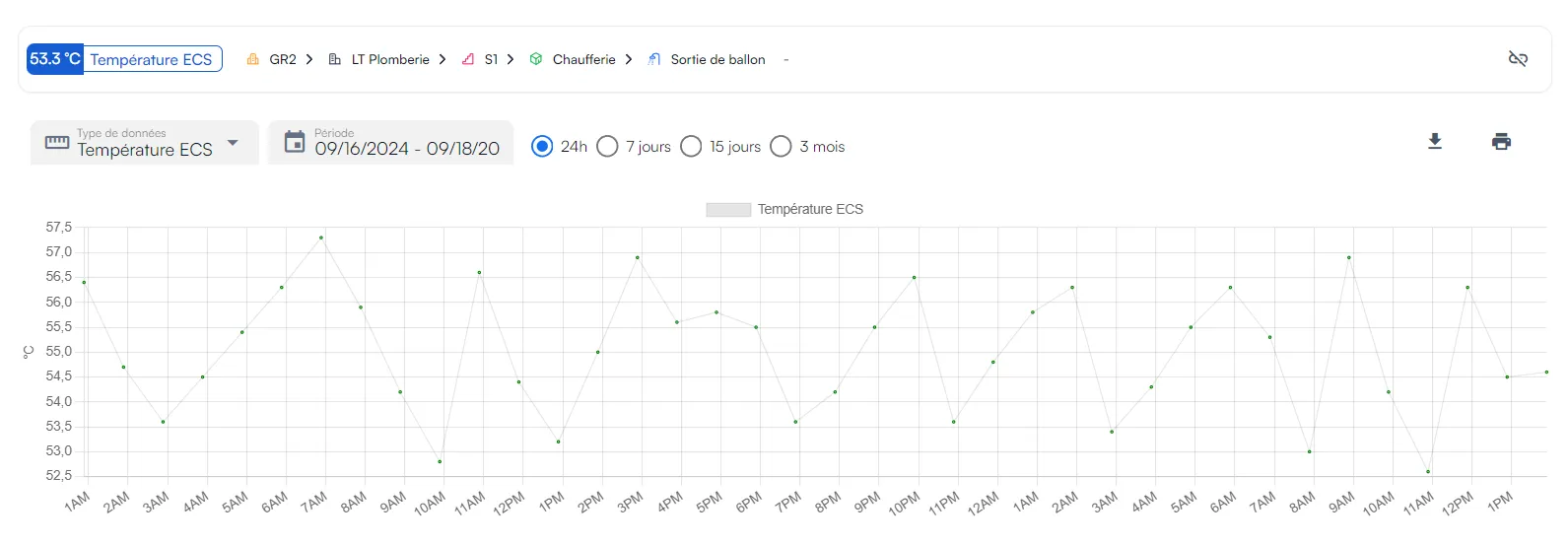
In Sensors, click the sensor’s thumbnail: its page shows real-time measurements, history and settings.
-
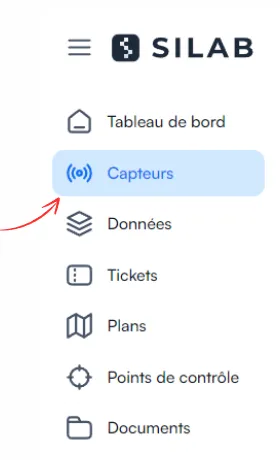
Open the Sensors section.
-
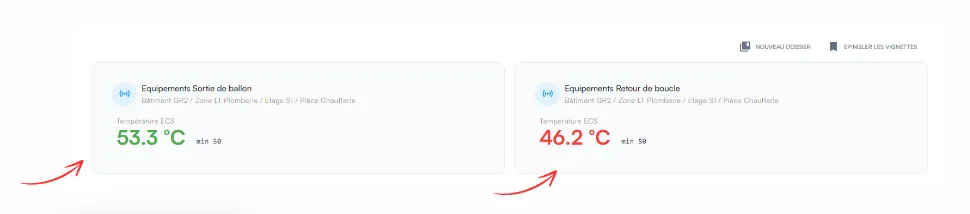
Click the sensor you want.
-
Its detailed page opens: real-time measurements, history and settings.