
How do I link a ticket to data or a report?
For precise tracking, link the ticket to data (a piece of equipment) or to a report (a notification): open the ticket, click Link data or Link a report, then save.
-
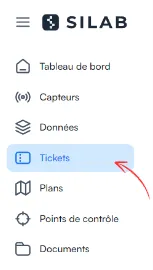
In Tickets, open the ticket to link.
-
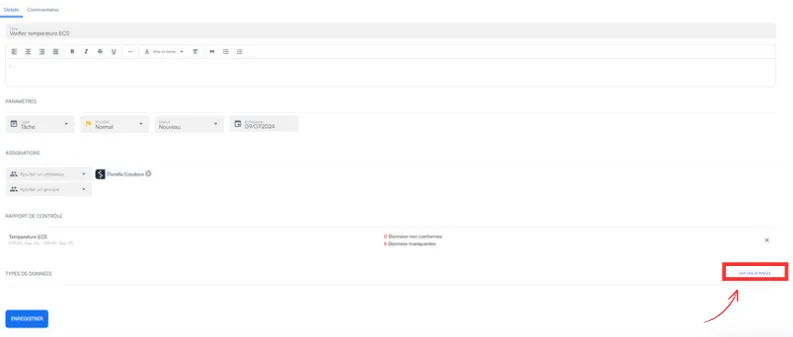
Click Link data or Link a report.
-
Click Save.