How do I create a ticket in SILAB?
Open Tickets, click Create ticket, fill in the form, then save.
-
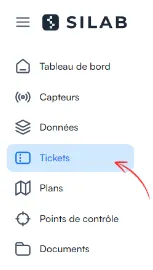
Open the Tickets section.
-
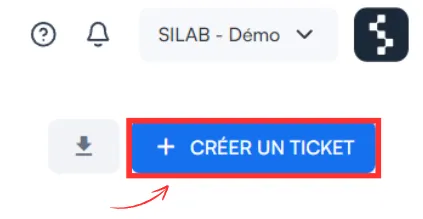
Click Create ticket.
-
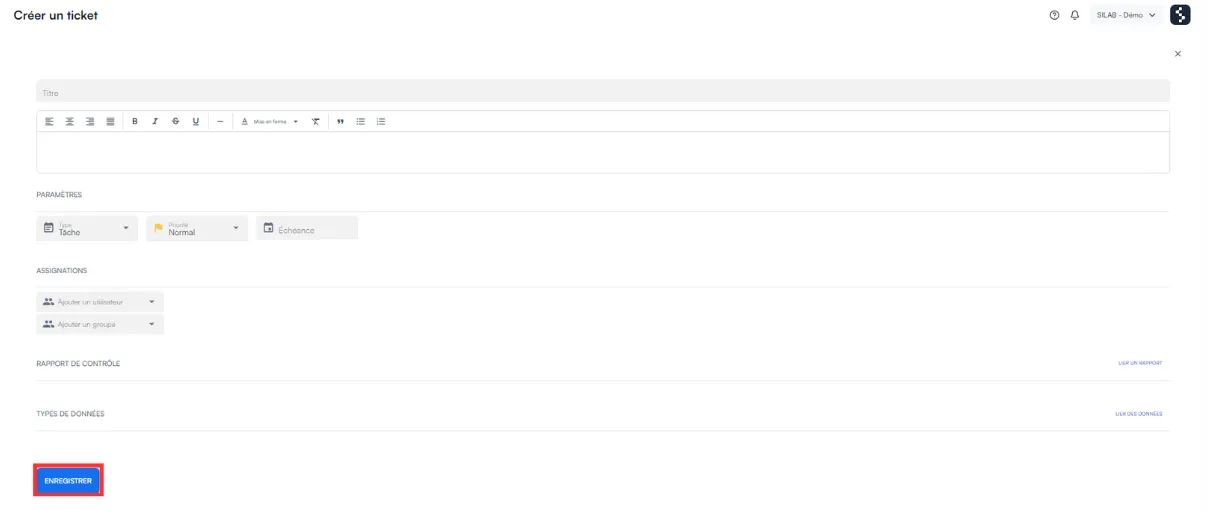
Fill in the form:
Field What to enter Title A clear title for the ticket Type The type of ticket Priority The priority level and the due date User The assigned person (optional) Control Report and data types To link if needed -
Click Save.