
How do I view and edit my facility's information?
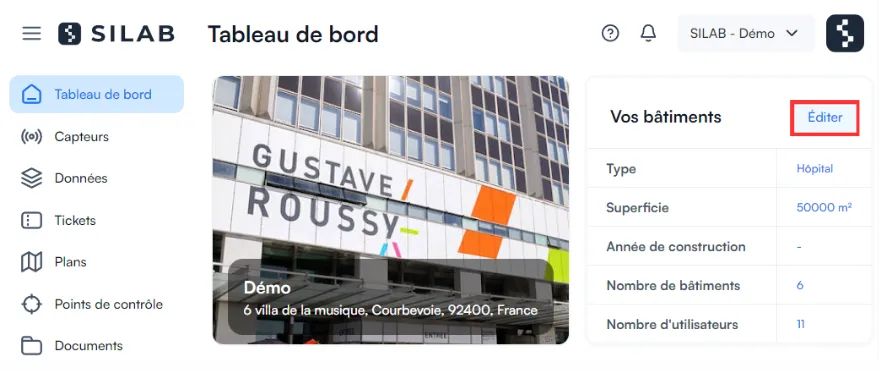
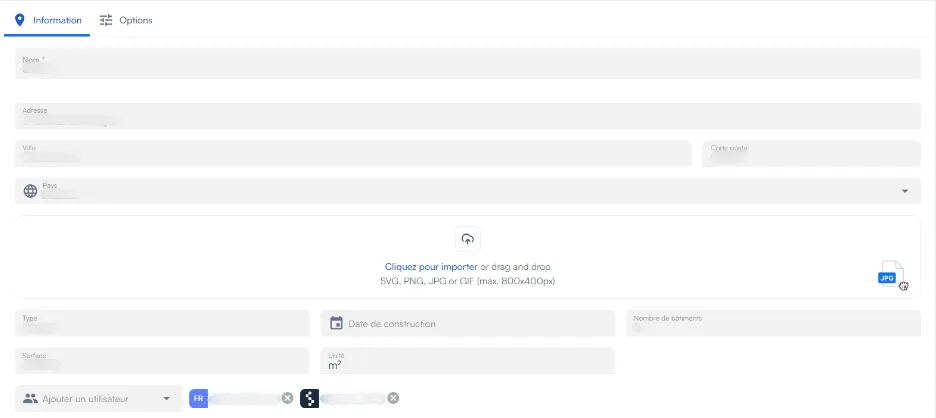
From the dashboard (shown as soon as you log in), click Edit to view or change the name, address and other information of the facility.
-
On the dashboard, click Edit.
-
View or change the facility’s information (name, address, etc.).
-
Click Save.