How do I create a control with alerts?
A control monitors data (a temperature, a filter change…) and alerts the right people when something is wrong. To create one, complete 3 parts: the details, the assignments and the monitored data.
-
Open the Data section.
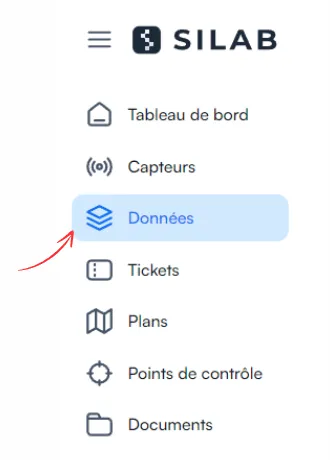
-
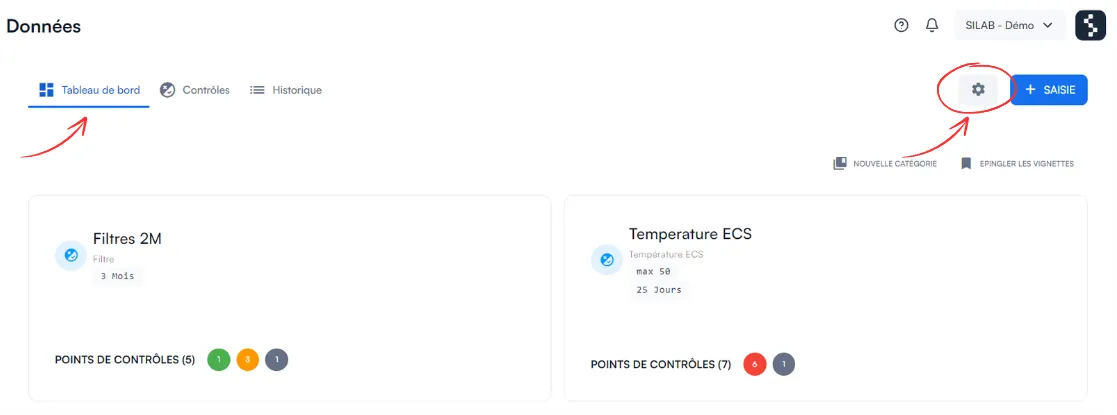
Click Dashboard, then the gear icon.
-
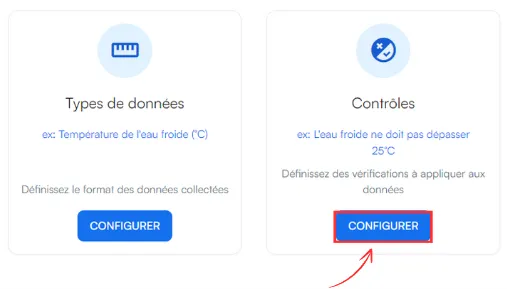
In the Control section, choose Configure a control.
-
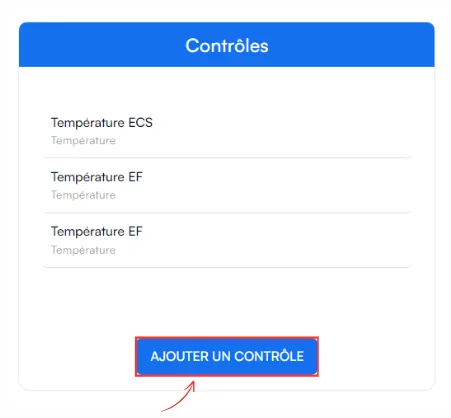
Click Add a control, then complete the 3 parts below.
1. Control details
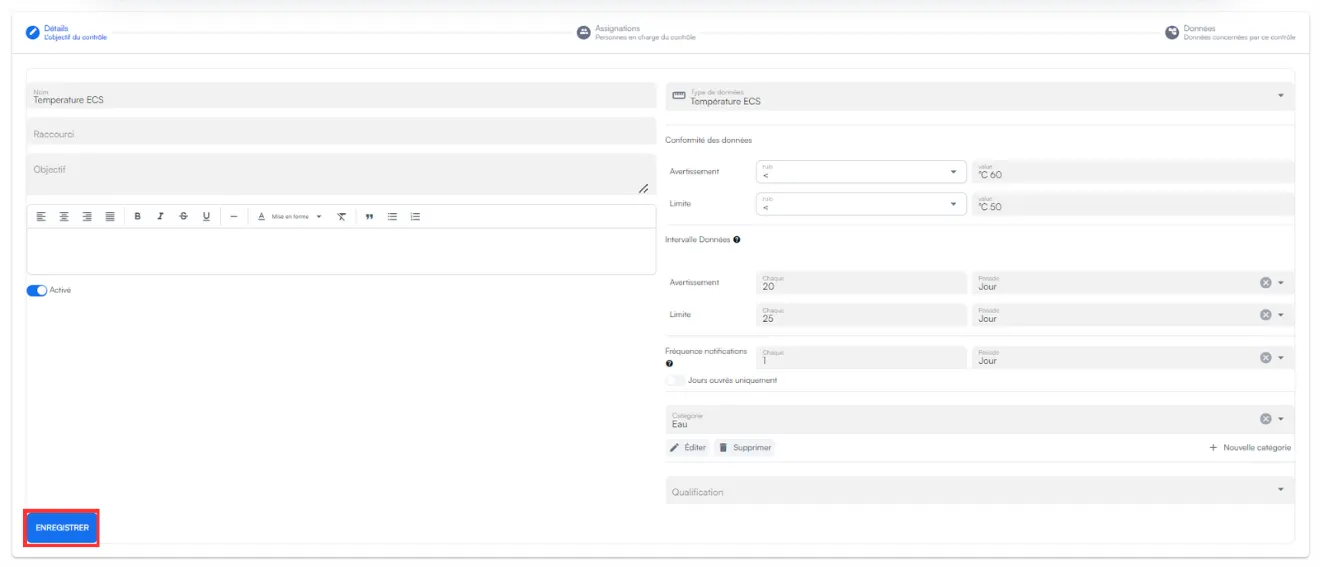
Section titled “1. Control details”| Setting | What it is for |
|---|---|
| Alert and warning rules | Define when data is compliant or not. |
| Data frequency | How often data is expected (for example, a filter to be changed every 2 months). |
| Notification frequency | How often anomalies are sent to users. |
2. Assignments
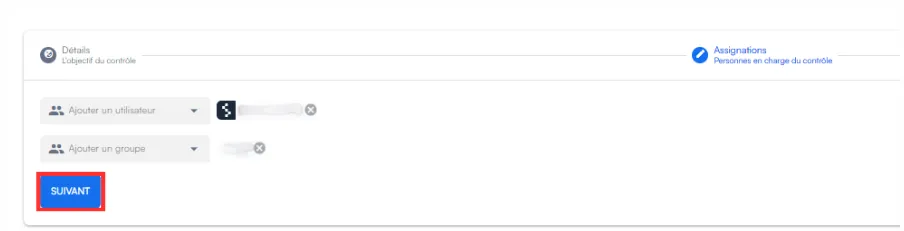
Section titled “2. Assignments”Choose the people or groups to alert when there is an anomaly.
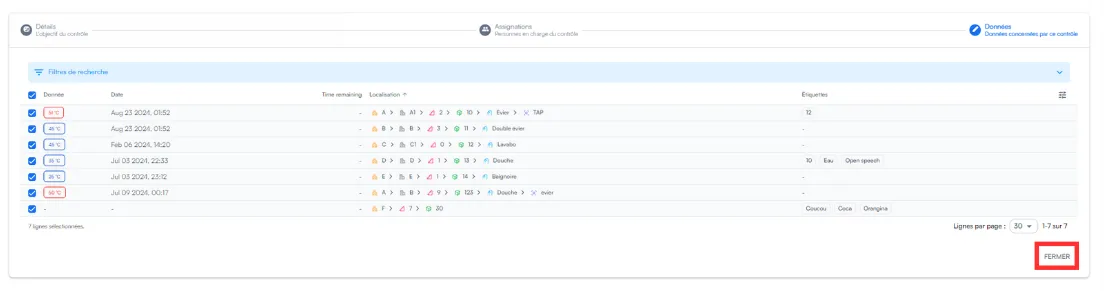
3. Data
Section titled “3. Data”Tick the checkpoints to monitor: a ticked checkpoint is monitored.