How do I create a control category?
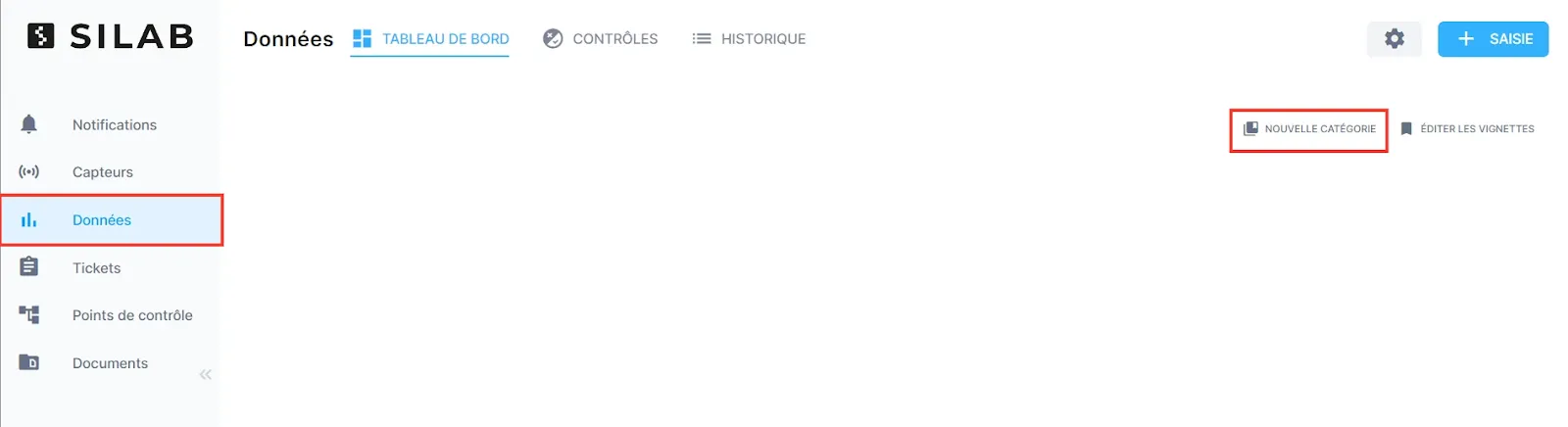
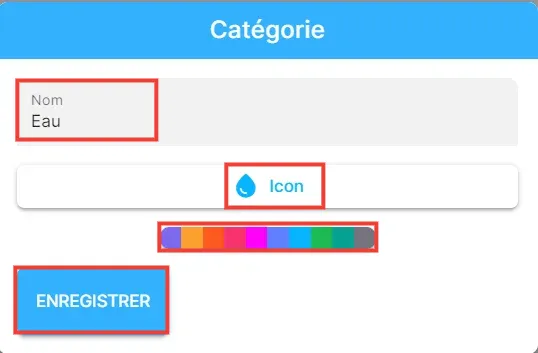
From Data → Dashboard, click New category, then choose its name, icon and colour.
-
In Data → Dashboard, click New category.
-
Enter the category’s name, then choose its icon and colour.
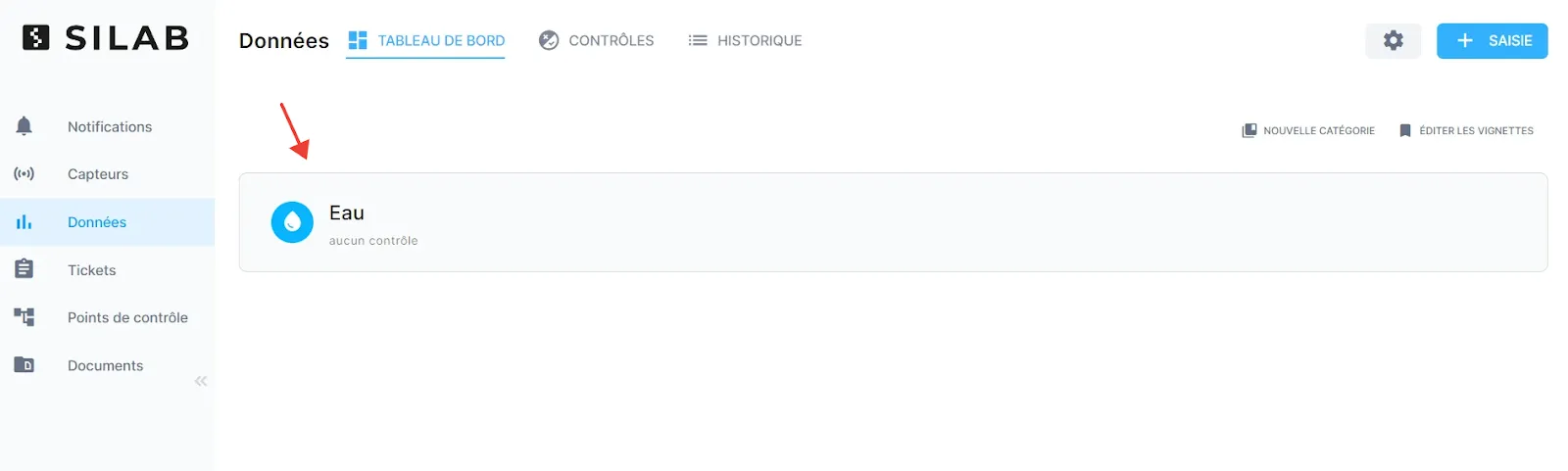
Example: a Water category, as it then appears on the dashboard.