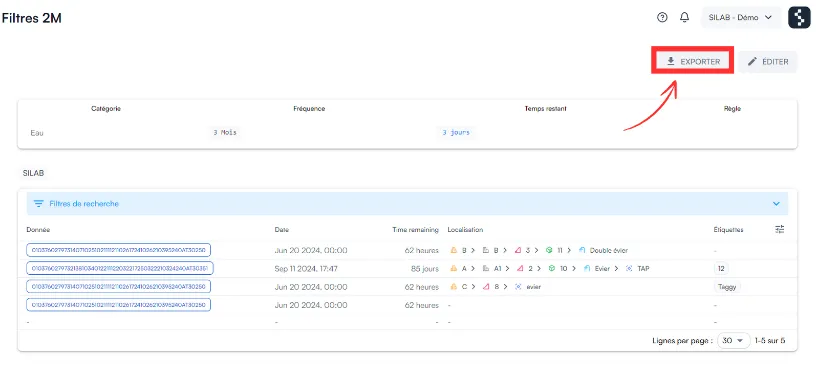
How do I export the latest data of a control to Excel?
Open the control from Data → Dashboard, then click Export: an Excel file downloads with the latest data for each checkpoint.
-
In Data, open the Dashboard tab.
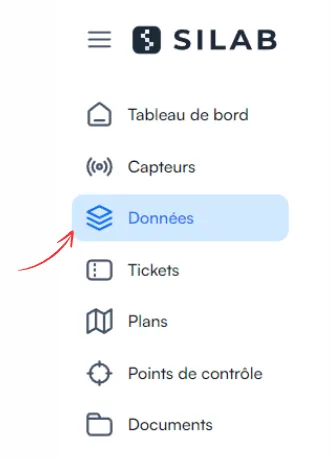
-
Click the thumbnail of the control to export.
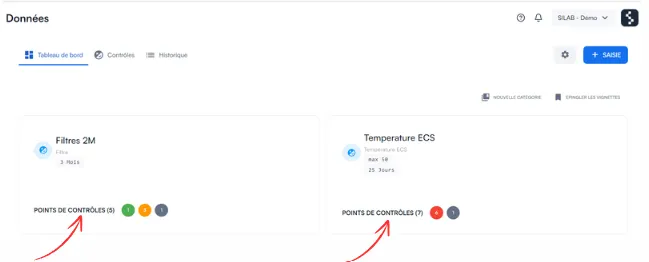
-
Click Export, at the top right.