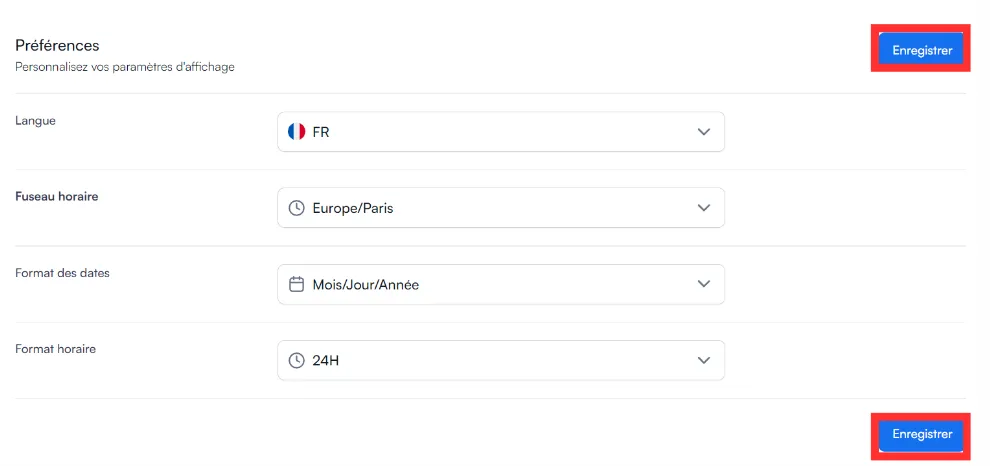
How do I change the date format, time format and time zone?
These settings are in Profile → Preferences.
-
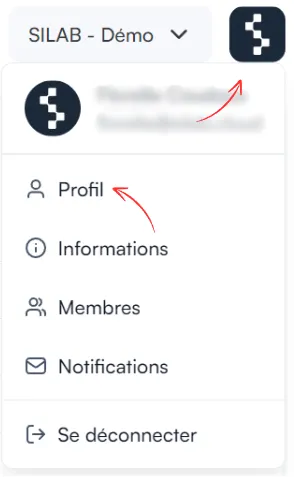
Click the SILAB logo at the top right, then Profile.
-
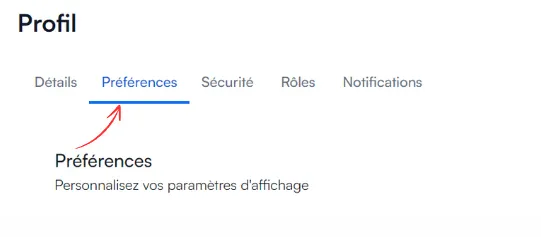
Open the Preferences tab.
-
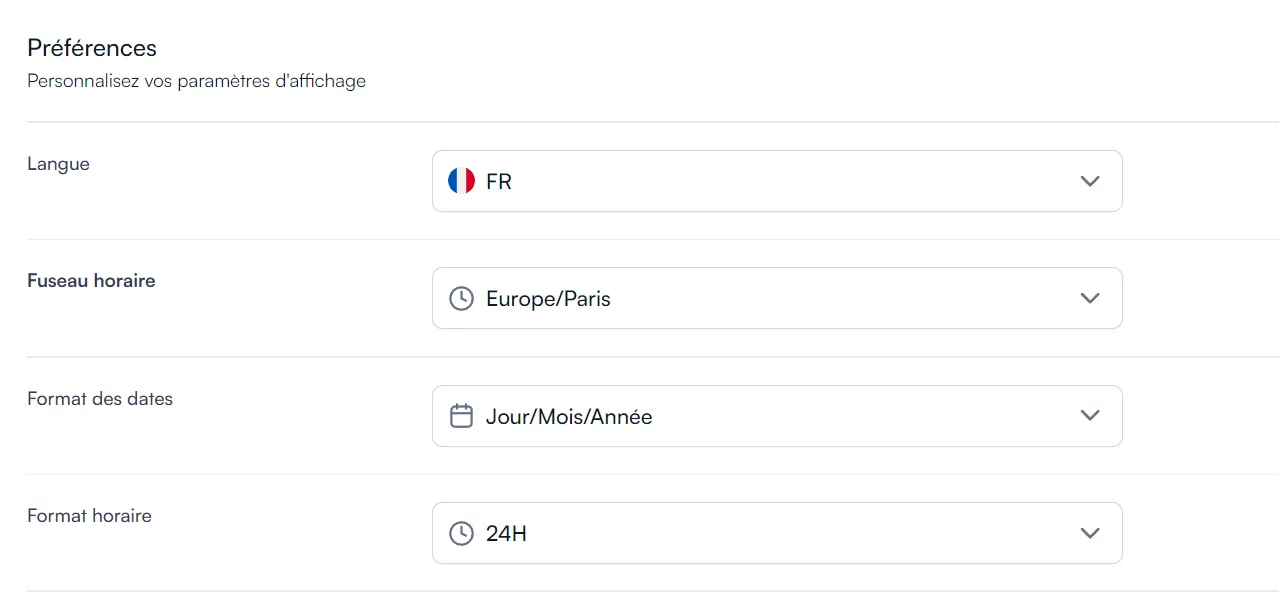
Choose the date format, the time format and the time zone.
-
Click Save.