How do I move a document?
Hover over the file, click the three dots, then Move, and choose the destination folder.
-
Open the Documents section.

-
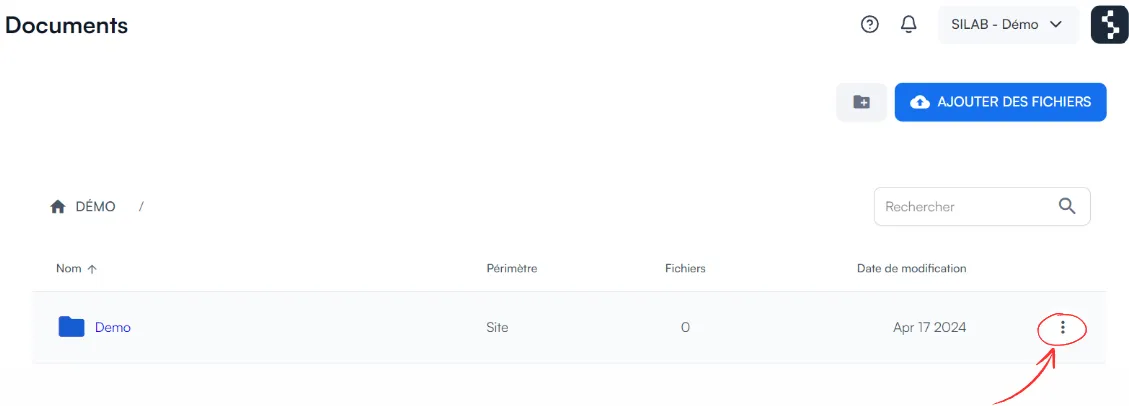
Hover over the file and click the three dots on the right.
-
Select Move.

-
Choose the destination folder, then click Move.