How do I view my equipment data?
The Dashboard in the Data section gives an overview of compliant and non-compliant data. Open a control to see the latest value for each piece of equipment, or History for a given period.
-
In Data, open the Dashboard tab.
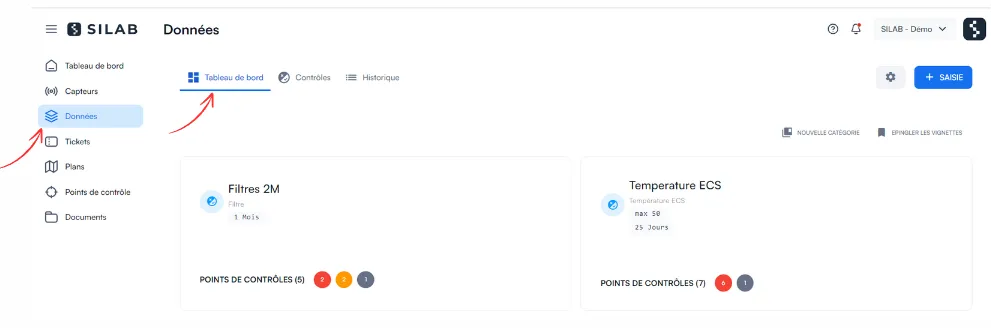
-
Click the thumbnail of the control you want to look at: each monitored piece of equipment is displayed with its latest data.
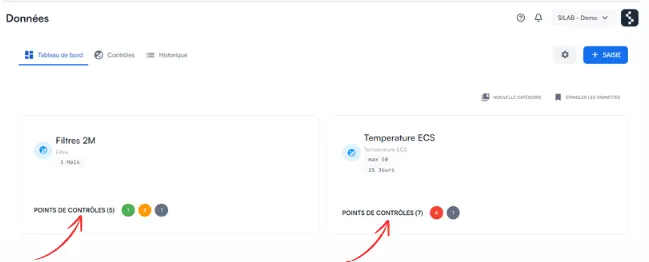
-
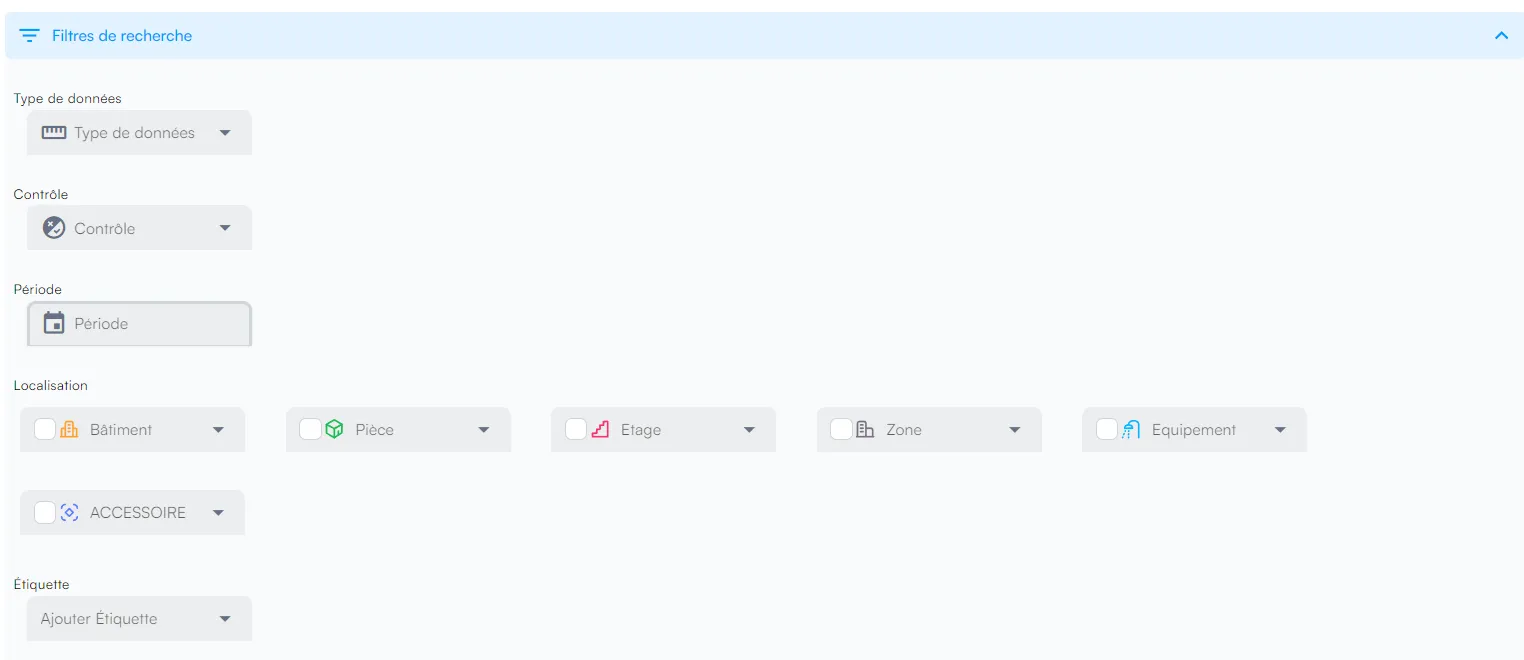
To find a piece of equipment, click Filter and search and specify the building, floor and room.

-
To see all data for a period, open History…
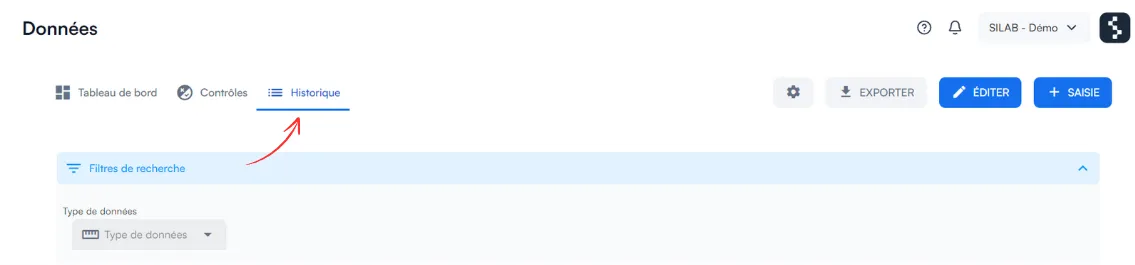
-
… and refine the view with the search filter.