How do I invite a user to my SILAB site?
From SILAB logo → Members, click Invite a user, choose their access rights and enter their email. They will receive an activation email.
-
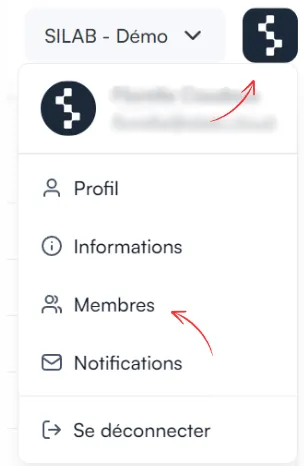
Click the SILAB logo at the top right, then Members.
-
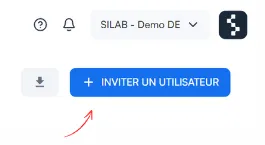
Click Invite a user, at the top right.
-
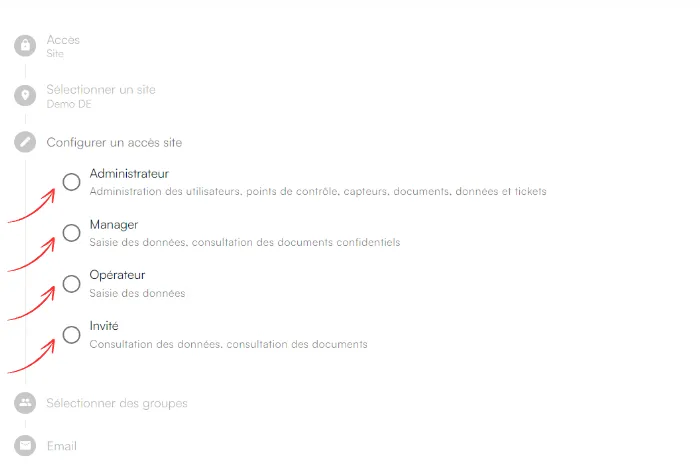
Select the access rights to grant, then click Next.
-
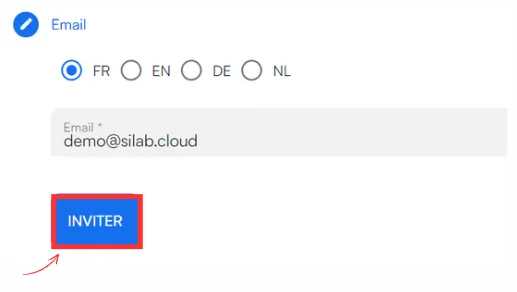
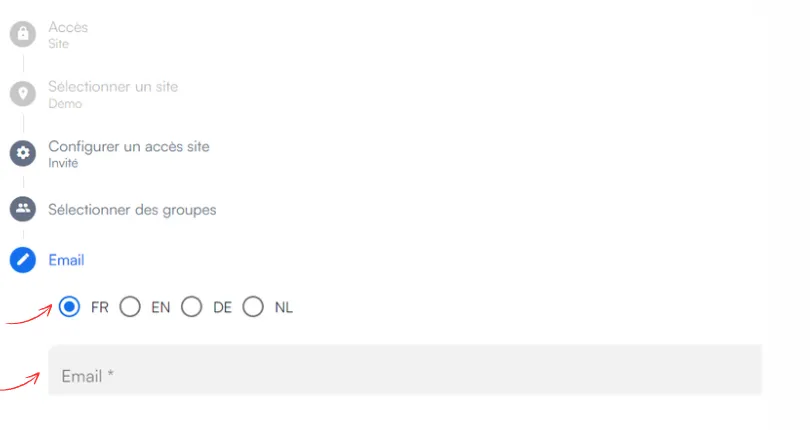
Enter the person’s email and choose the language for communications.
-
Click Invite, then save to confirm the invitation.